Room to grow
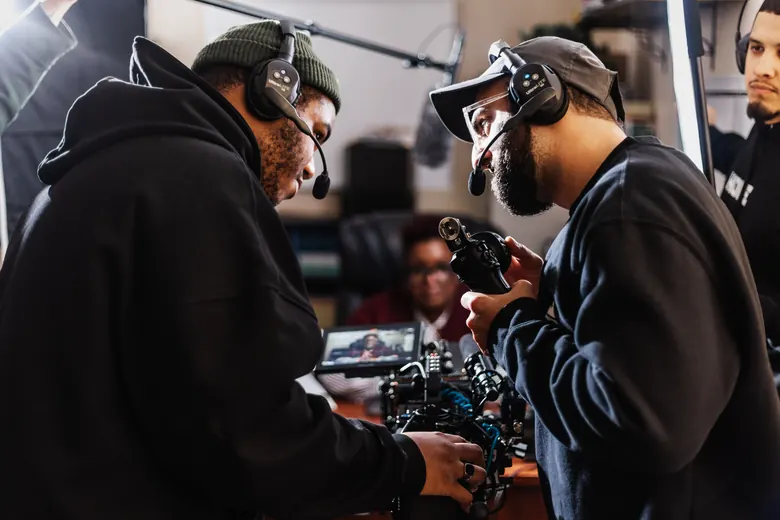
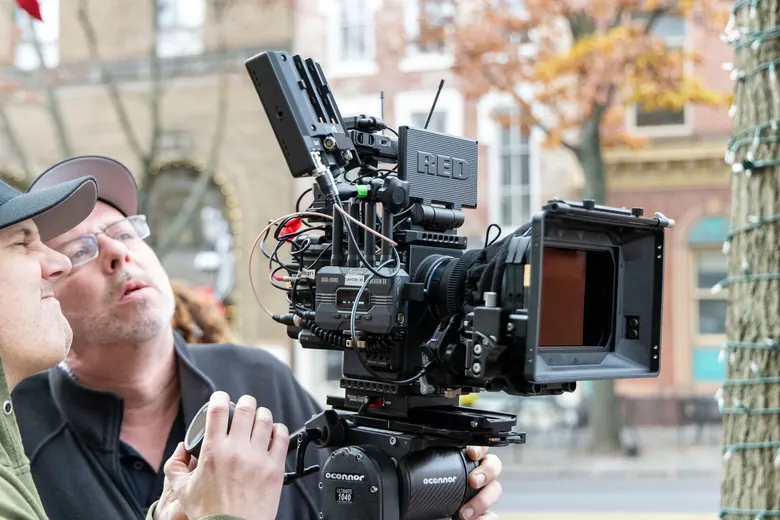
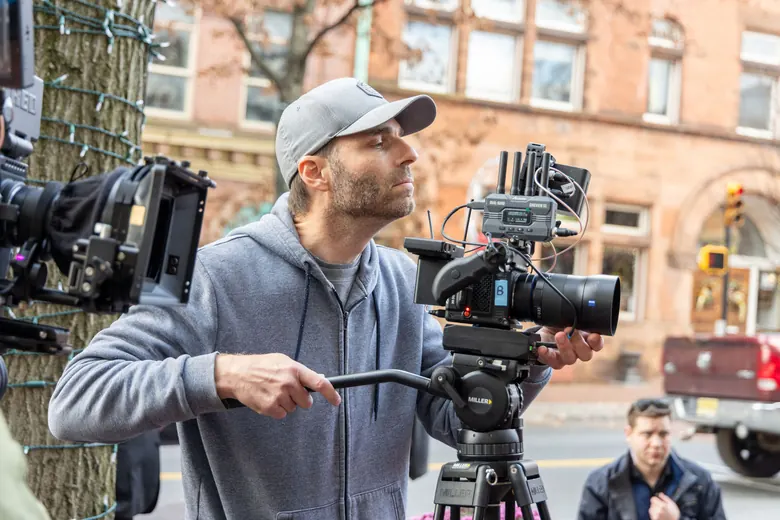
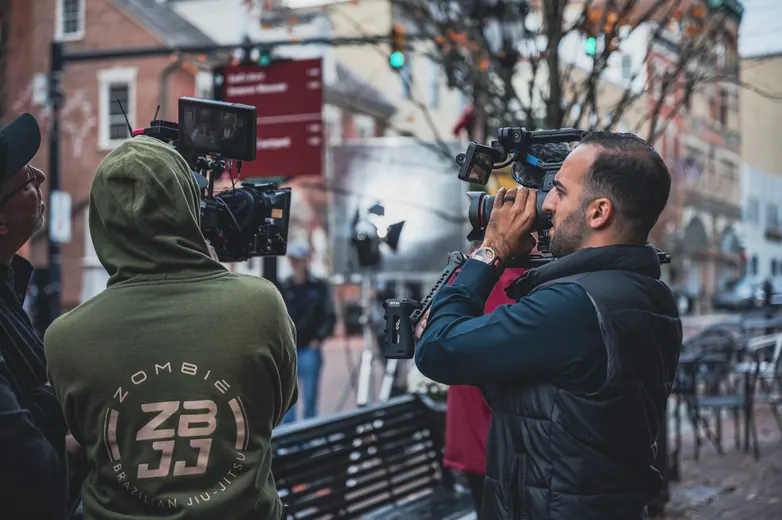
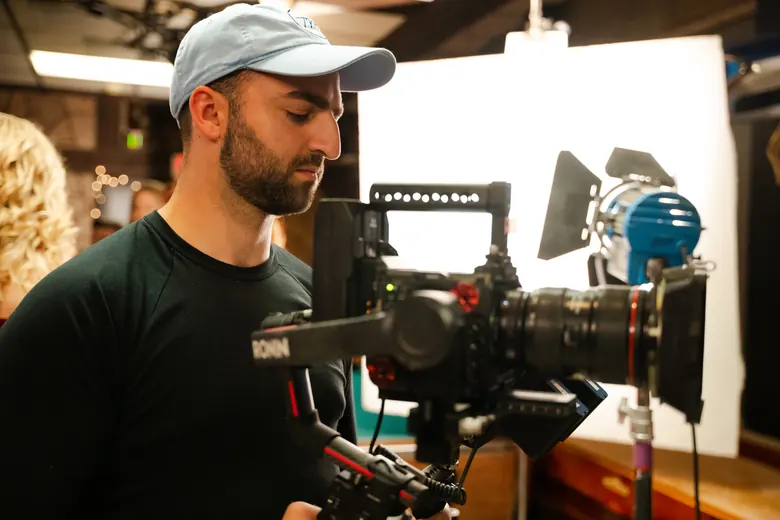
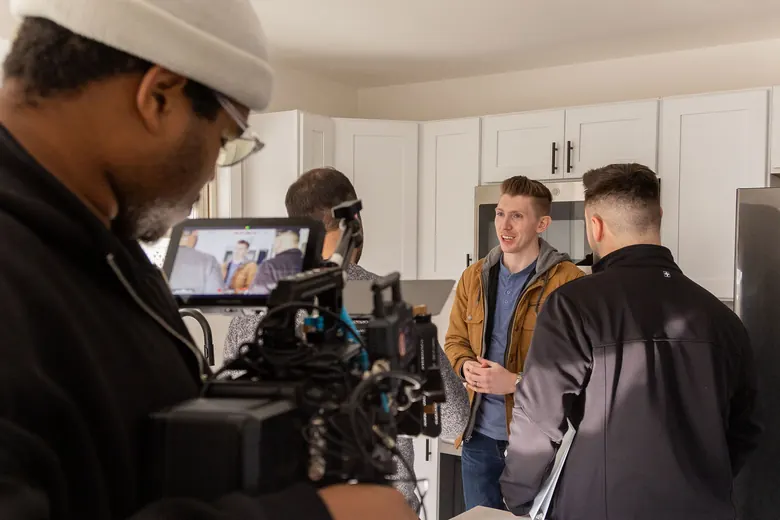
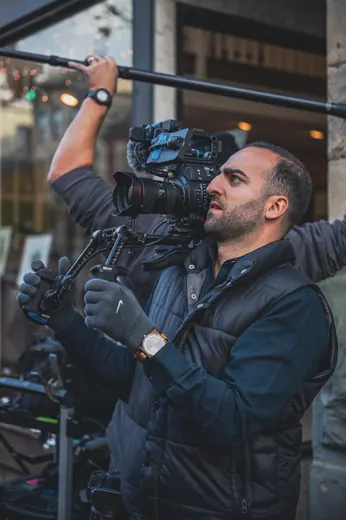
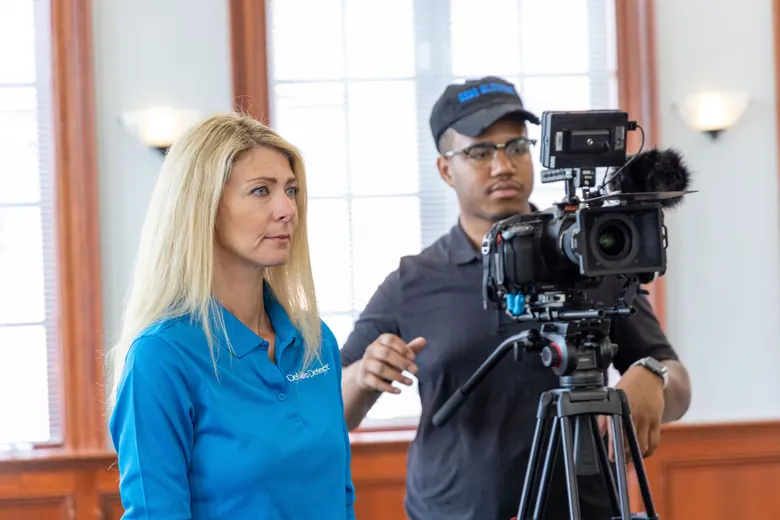
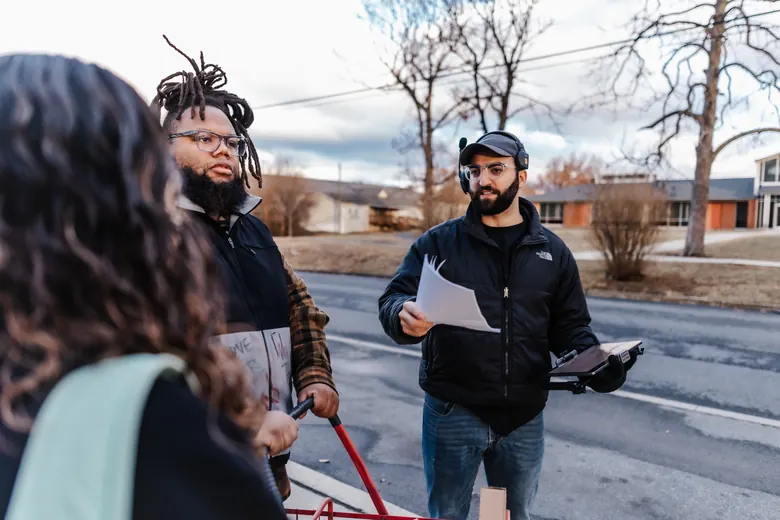
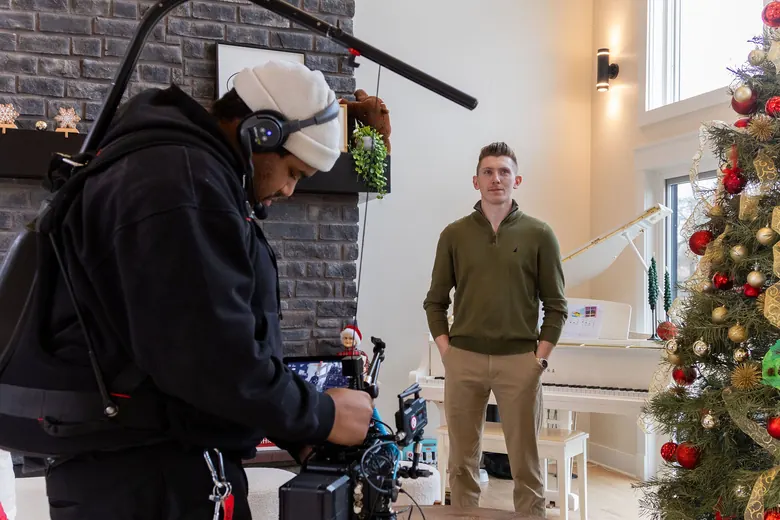
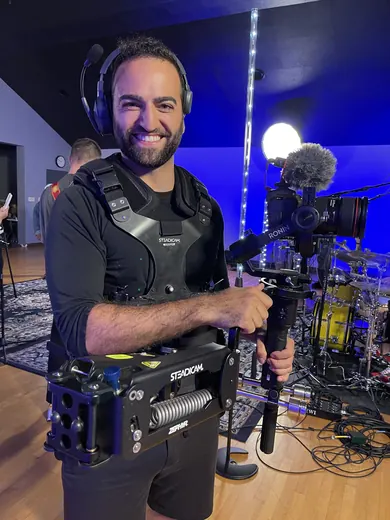
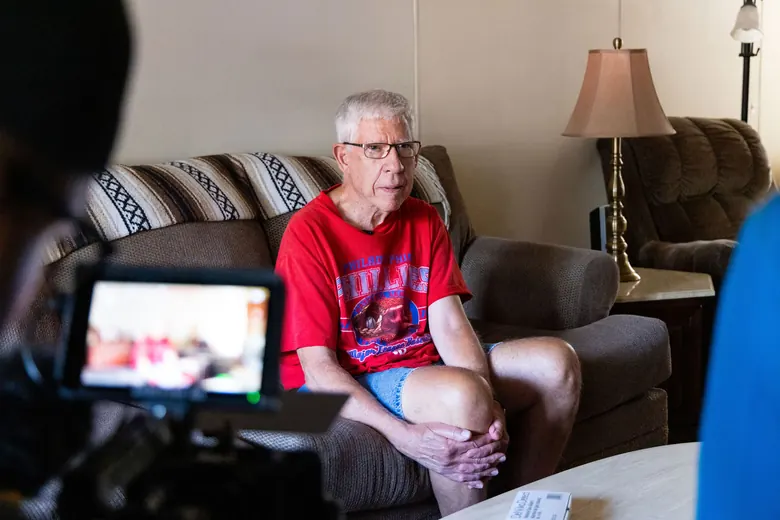
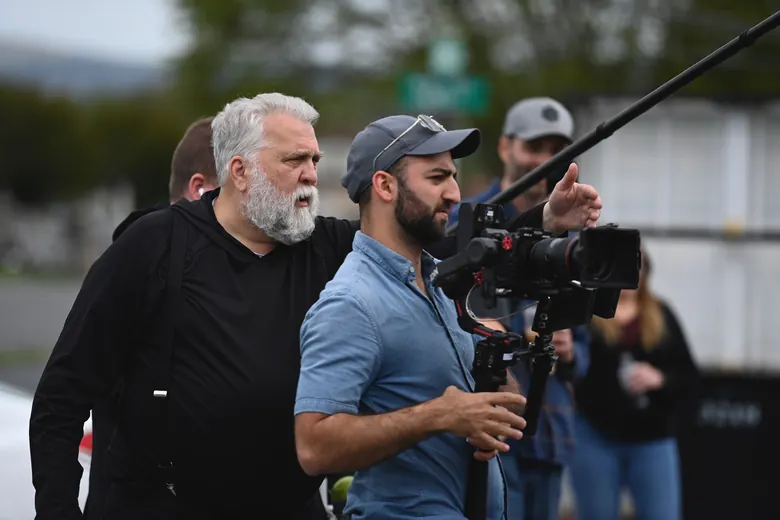
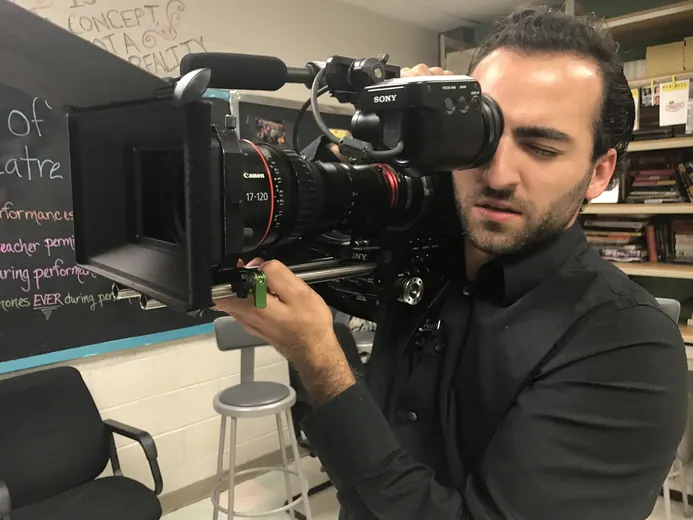
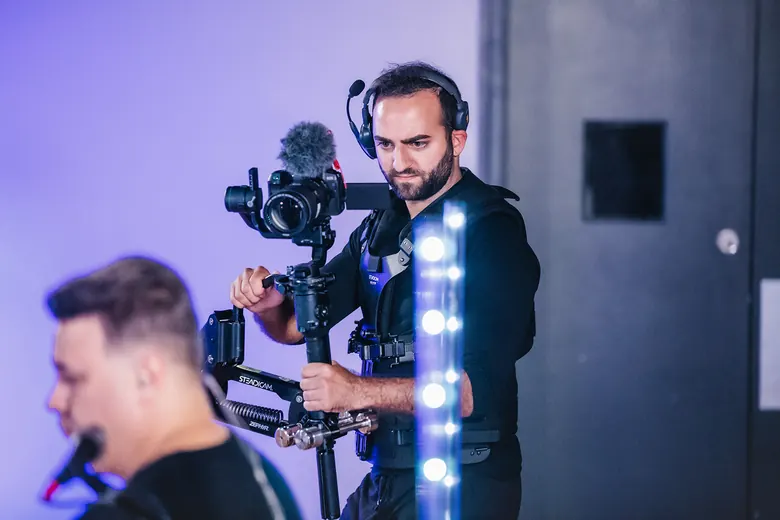
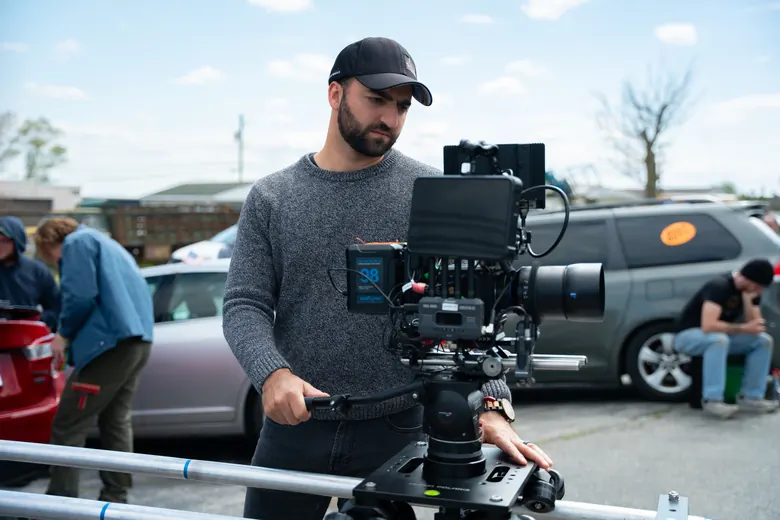
Five people is where every stream starts, and for bigger rooms we add camera operators until every angle’s covered, up to eight cameras and a crew of 11, which takes us all the way up to graduations.
LIVE BROADCASTLEHIGH VALLEYNEW YORK CITYPHILADELPHIA
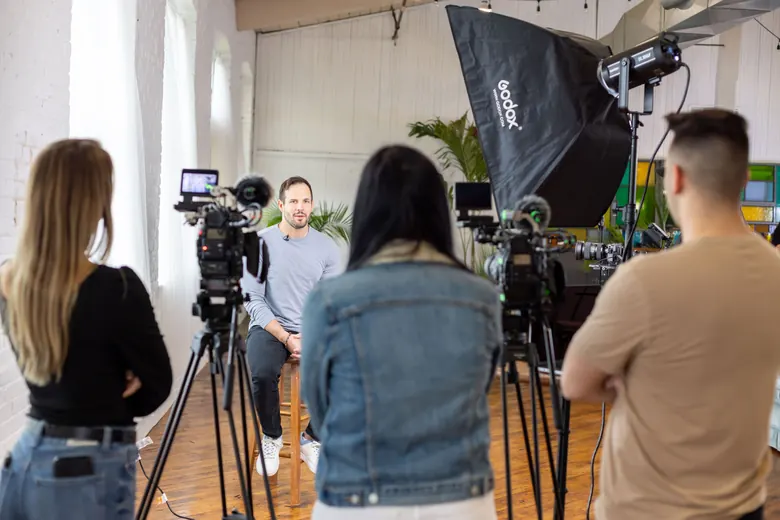
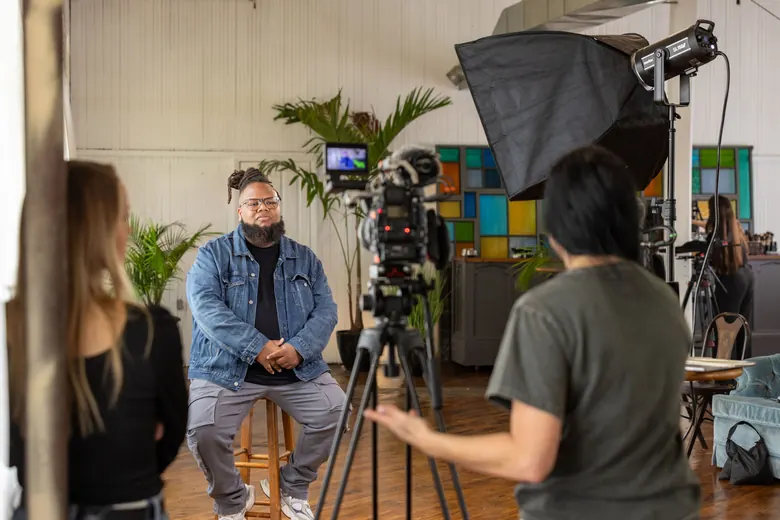
We run multi-camera live streams for conferences, associations, galas, churches and graduations across eastern PA, Philadelphia, New Jersey and New York City. Every one gets a crew of at least five: audio, graphics, a director and two or more camera operators.
The form takes about two minutes, and your quote comes the same day as your planning call.
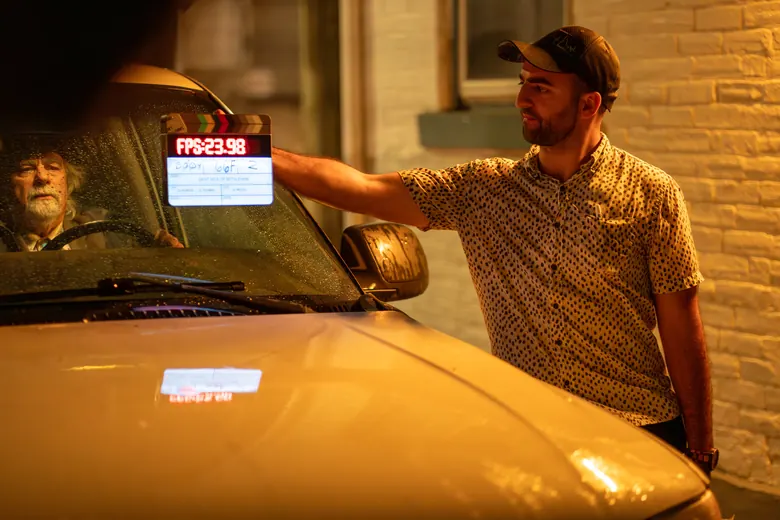
Recent work
Almost always it’s one of three things. The audio comes through thin or echoey, the venue Wi-Fi gives out halfway through the keynote, or one camera sits on a wide shot for 90 minutes until the people watching at home close the tab. We plan for all three before we ever load in, we run a full tech rehearsal the day before, and on show day at least five of us are back on site early running a private test stream before your doors open. That way you get to actually be at your event instead of checking your phone to see if the stream’s still up.
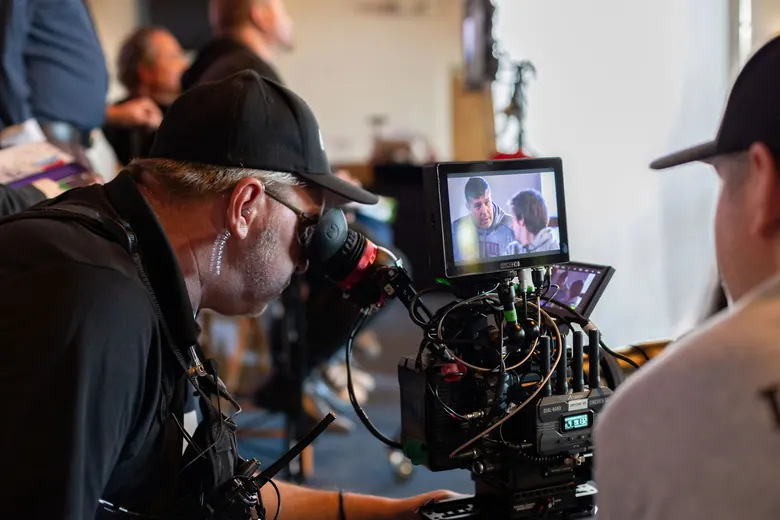
On a lot of streams, the person switching cameras is also running the slides and riding the audio, and you can see it on screen every time a slide shows up late. We split those jobs across three core seats and put at least two camera operators on top of that, so every stream we run starts with five people, and each of them has one job.
CREW CALL
05 MINIMUM UP TO 11
01A1 · AUDIO
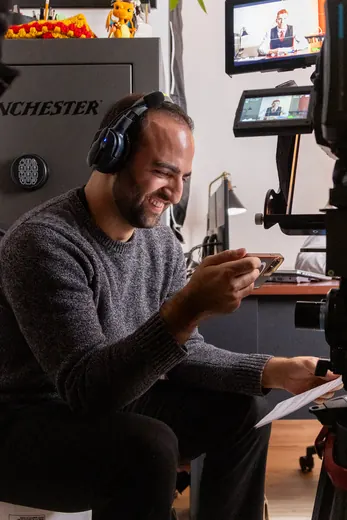
They’re on headphones the whole show, mixing every mic off your venue’s board or our Yamaha and listening to exactly what the people at home hear.
02GFX · GRAPHICS
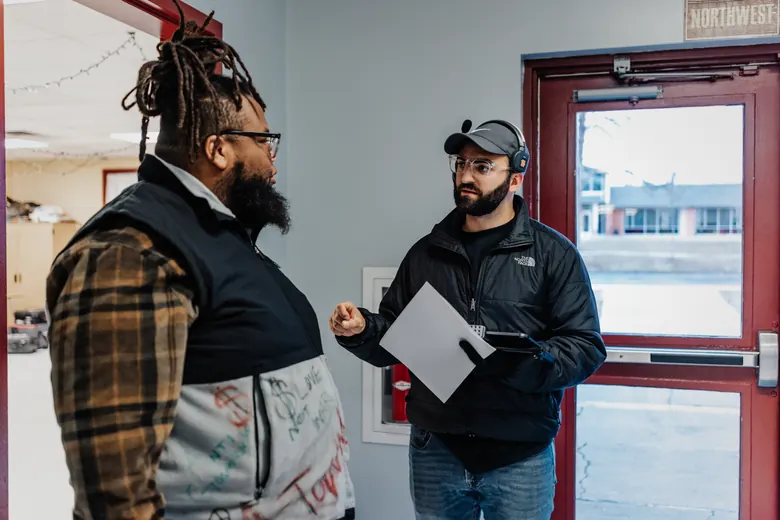
Sits at a dedicated workstation with your slides, your logo and a lower third for every speaker, and sends them to the stream and the screens in the room at the same time.
03TD · DIRECTOR
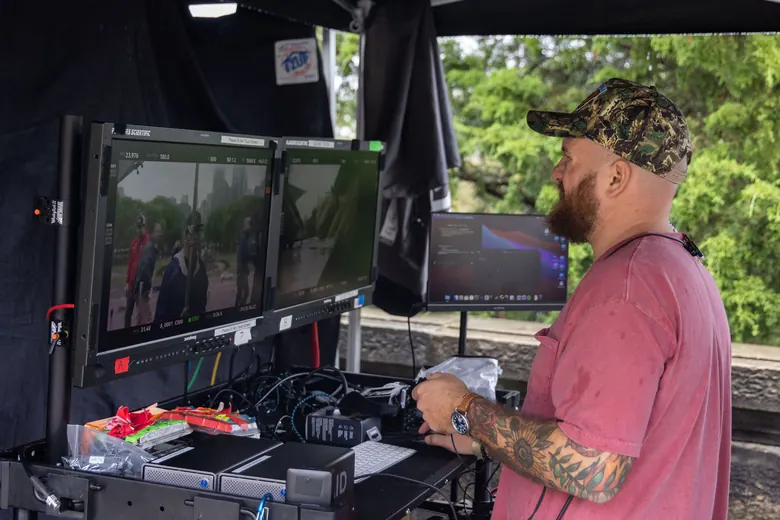
This is the one calling the shots and cutting between cameras live on the switcher, so the stream’s always on whoever’s talking.
04 · 05CAM 1 · CAM 2
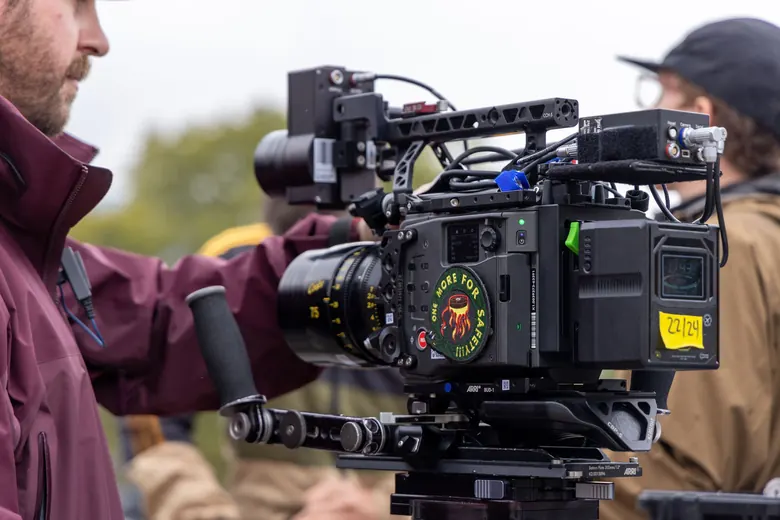
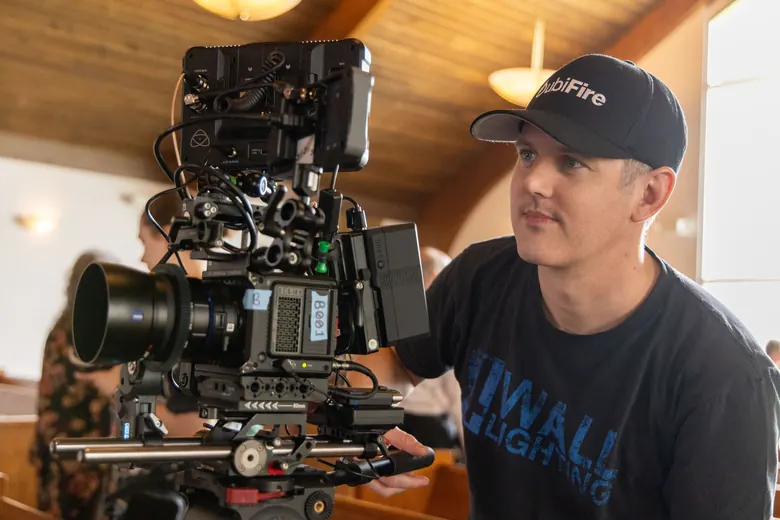
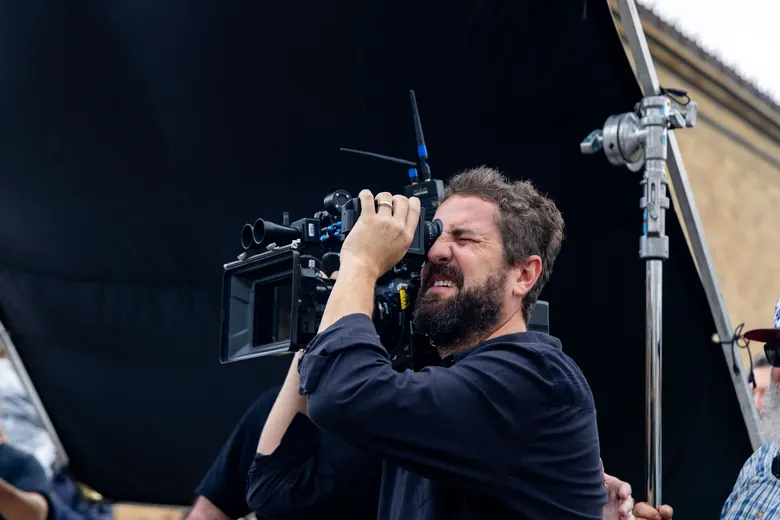
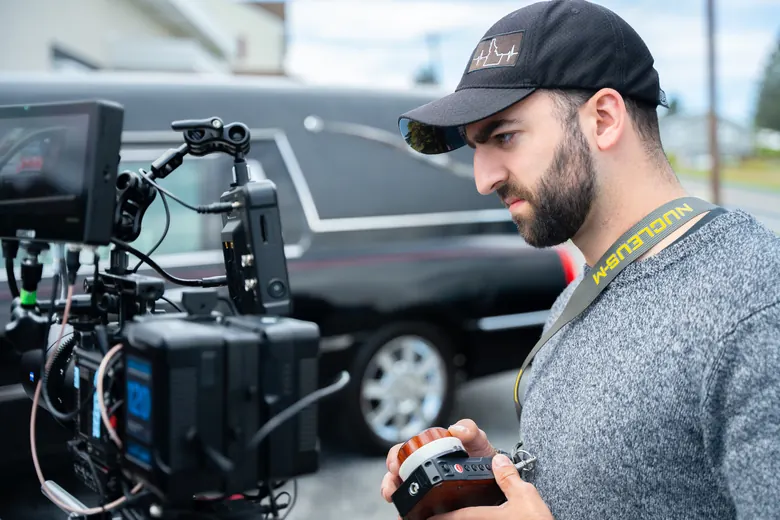
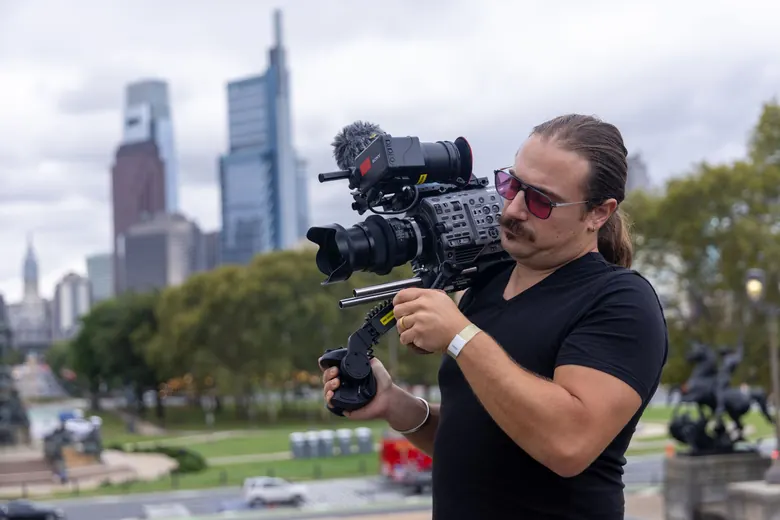
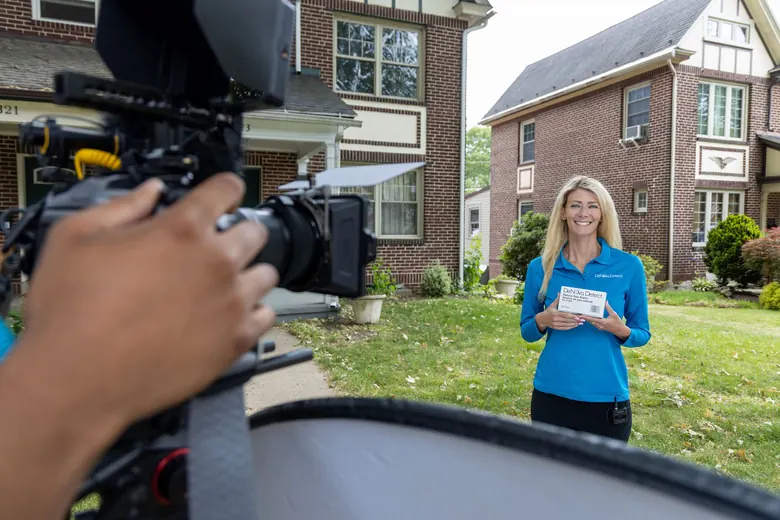
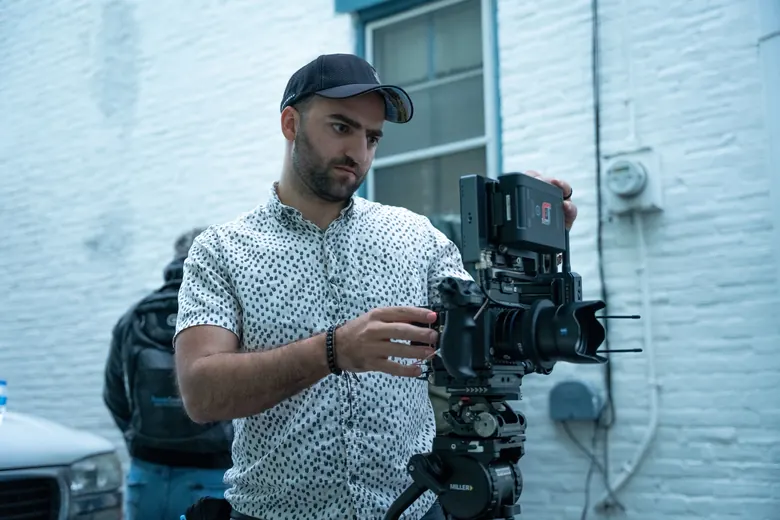
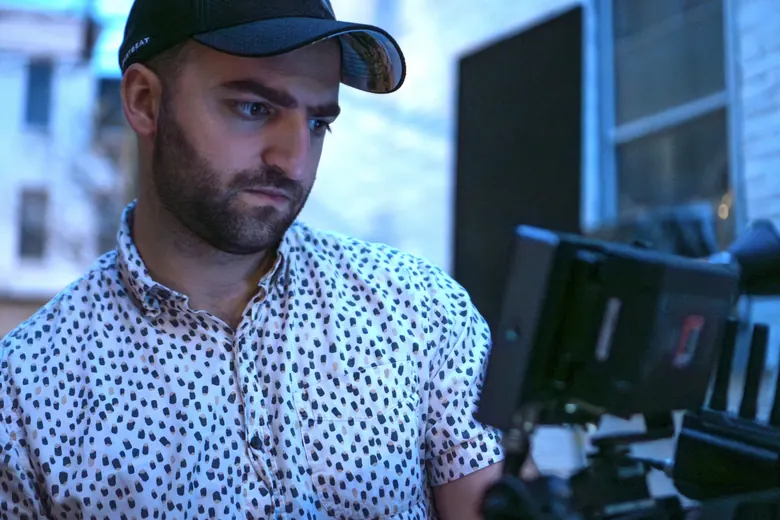
At least two on every stream, usually one holding the stage wide while the other stays tight on the speaker.
Five people is where every stream starts, and for bigger rooms we add camera operators until every angle’s covered, up to eight cameras and a crew of 11, which takes us all the way up to graduations.
For graduations and conferences, we can also put the live cameras and your slides up on the venue’s projection screens or LED wall, so the people in the back rows can actually see who’s at the podium. It runs off the same cameras and the same graphics workstation as your stream.
Here’s what some of our jobs actually looked like, with the setup spelled out wherever we can share it.
NYC · FLATIRON DISTRICT · LIVE STREAM
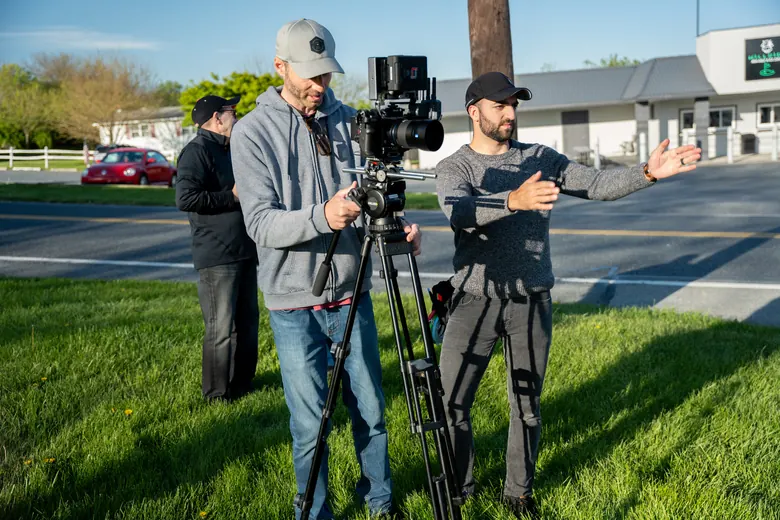
Ninety minutes, three cameras (two locked off and one roaming), a broadcast operator on the switcher, a wireless audio kit for the speakers and a hotspot backup for the internet. We keep the client’s name private, but we’re happy to walk you through the whole setup on a call.
CHURCH · MULTI-CAMPUS · LIVE BROADCAST
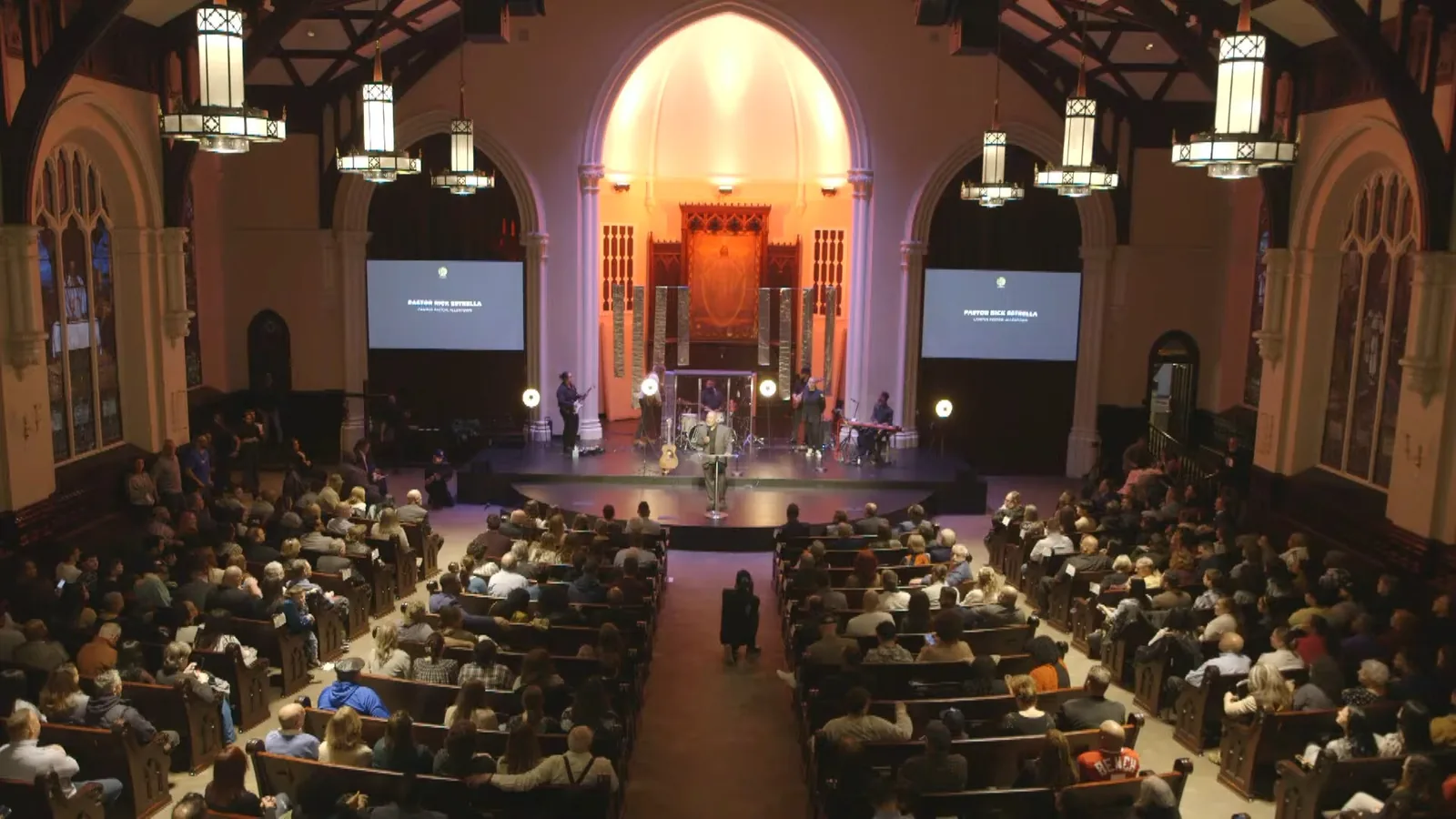
The church has more than 25,000 members across its campuses, and the services we broadcast were in rooms of about 1,000 to 2,000 people. A church that size has a lot of people watching from home, and every one of them expects to hear the service as clearly as the people in the seats.
NEW YORK CITY · EVENT COVERAGE
We were brought in as part of the crew for a run of corporate events in Manhattan, during a week when half the streets were closed and there was security on every block, and we worked one event after another right through it. So if your event’s in Manhattan, the load-in and the building rules won’t be new to us.
PENNSYLVANIA · MANUFACTURING ASSOCIATION · EVENT COVERAGE
We’re back for it every year, and if your organization has a flagship event like that, the kind that’s on the calendar before the year even starts, that’s exactly the work we want more of.
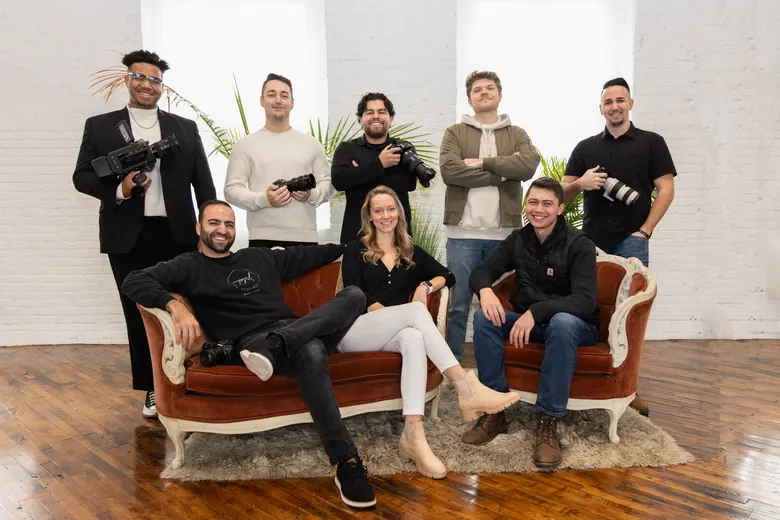
Tony Ellis Martinez founded TM Productions in 2017, and his work has passed 1.3 billion views across platforms. Today it’s a crew of about a dozen, dressed for the boardroom and running the day from load-in to wrap.
Check your date →Every stream starts with the same core kit and the same crew habits, then we build out from there based on your room and your audience.
The full program recording after the event, plus the camera files if you want them for marketing.
We’re the video side of A/V. We bring the cameras, the switcher, the graphics, the stream and the feeds to your screens, and we plug into whatever sound and screens are already in the room.
What we bring
What stays with your A/V company or venue
We work off their sound board and their screens. If they’ve got their own audio engineer mixing the room, we take a clean feed from them and that seat’s covered, so you’re not paying two people to do the same job. Graphics, the director and the camera operators are still ours.
Plenty of hotels, churches and schools already have house sound and screens built in. If all you need on top of that is cameras, a stream and IMAG, you don’t need a separate A/V company at all.
We also get brought in as the broadcast crew on someone else’s show, and we’re glad to work that way, on your call sheet and under your name.
A lot of organizations book a broadcast team for the stream and then hire a separate video team to grab marketing footage, which means two call sheets and two invoices for the same eight hours in the same room. We just set up the broadcast so it covers both.
Every camera records on its own drive while the program goes out live, so after the event you’re holding clean angles of every speaker, the full program feed and, if there’s a roaming camera, all the crowd and reaction shots too. That’s plenty to cut a recap video, a run of social clips and the best 20 seconds of your keynote without anybody coming back to reshoot.
Marketing edits are an add-on we quote from that same footage, and you can decide on them after you’ve seen what we captured.
Live stream packages start at $6,500.
Your exact number comes down to five things, and they’re the same five sections we walk through on the planning call.
How long it runs, how many sessions or rooms there are, and when we can load in for the tech rehearsal the day before.
How many cameras and operators it takes beyond the five-person base crew, how much graphics work there is, and where it’s streaming.
Whether we’re plugging into the house board or bringing the full audio kit, and how many people need a mic.
Who’s watching and how they get in, whether that’s a public YouTube stream, a registration-only Zoom webinar or a private link for members.
What the building’s internet can handle, which backup it needs, and how far we’re driving, Bethlehem or Midtown.
That covers two cameras, the five-person crew and the tech rehearsal the day before, so the audio mixer, graphics operator, director and both camera operators are already in the number you see.
Every camera past the first two gets added to the quote, and for NYC, Baltimore, D.C. or any job where the crew stays overnight, travel and lodging go on their own line at cost, so you can see exactly what that part runs.
You’ll have the quote in writing the same day we talk. A signature and a 50% deposit lock the date, and the other half is due on the event date.
Nothing’s booked until you sign and send the deposit.
If it happens in a room and people need to watch it from somewhere else, anywhere from a 12-seat roundtable up to a graduation, we’ve probably already built a setup for it.
Keynotes, breakouts and general sessions, with names on screen for every speaker and the slides cut in so online attendees can actually follow along.
Annual meetings, member shows and award programs, so members who can’t travel still see the whole day.
Company-wide meetings with people in the room and people dialing in, including remote speakers on Zoom and registration-only webinars for internal audiences.
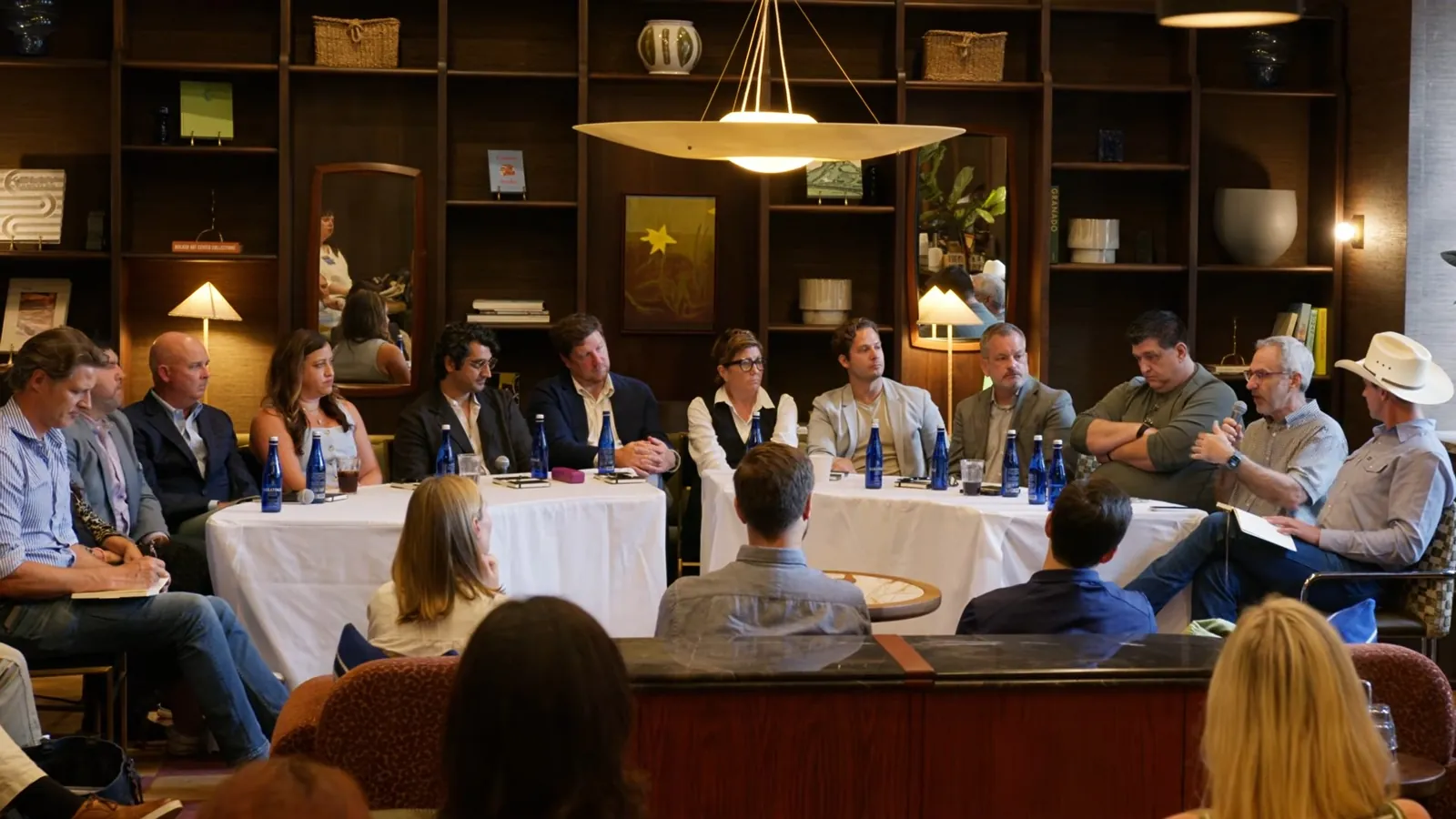
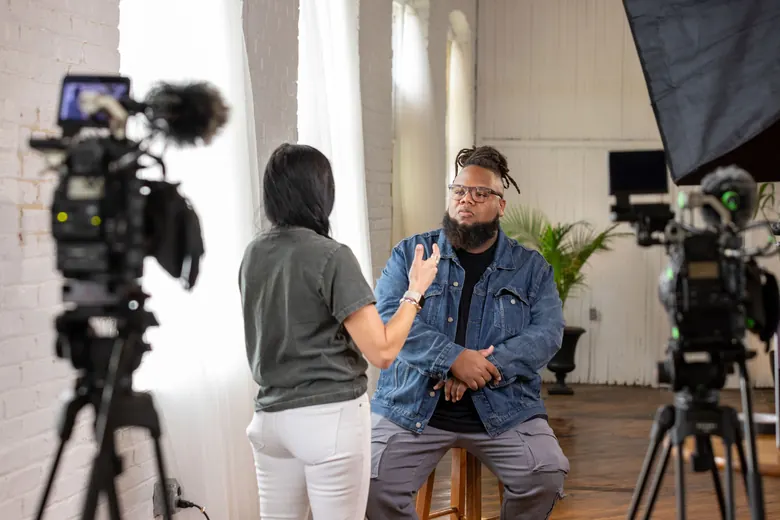
Executive roundtables and leadership panels, where the conversation jumps from person to person and the director has to cut to whoever’s talking before they’re two words in.
Award moments, honoree speeches and the program between courses, with a roaming camera on the room so the people at home catch the reaction when a name gets called.
Easter and Christmas services, ordinations, anniversaries and any Sunday when you want more than one camera in the back of the sanctuary. We’ve broadcast church campuses that seat 1,000 to 2,000 people, so a packed sanctuary doesn’t throw us.
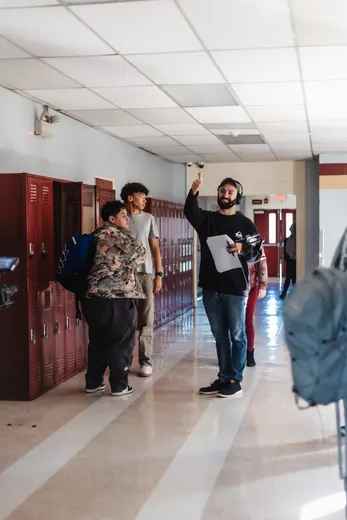
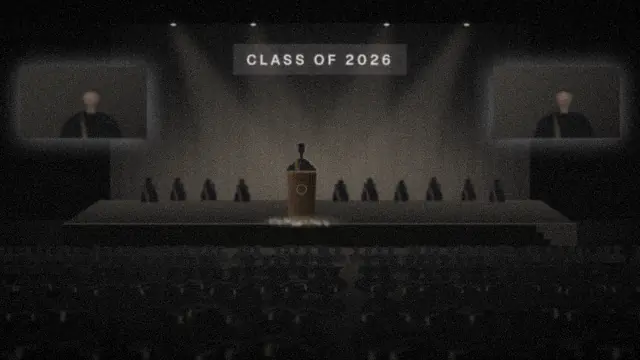
Commencements and graduation ceremonies, with IMAG on the venue’s screens so the back rows can see who’s at the podium, and a camera on the stage so every name that gets called makes it to the stream for the grandparents watching from home.
Annual meetings, fundraising programs and community forums, streamed so supporters who couldn’t be in the room still hear the story and the ask.
We’re based in the Lehigh Valley, and our live streaming services cover Allentown, Bethlehem and Easton, Reading, Lancaster, Harrisburg and Scranton, plus Philadelphia, New Jersey, New York City, Baltimore and D.C. Philly and Scranton are a little over an hour from home base, Harrisburg’s about an hour and a half, Manhattan’s about two, Baltimore’s about two and a half and D.C.’s a little over three. We’re in the room the day before for the tech rehearsal anyway, so a long drive never turns into the crew racing the clock on show day, and travel’s itemized in the quote up front.
Drive times on the map are approximate, from our Lehigh Valley home base.
A live stream needs a handful of things to go right at the same moment, so here’s exactly how we handle each one.
Venue Wi-Fi is where most streams get into trouble, so we don’t count on it. We run an upload speed test at your venue ahead of time, ask for a wired connection, and set up a second connection (Starlink or a bonded cellular hotspot, depending on the building) that’s tested before doors open.
Nobody has ever said “great video” about something they couldn’t hear. That’s why audio gets planned before cameras on every job. We plug into the venue’s sound board over XLR, bring our own Yamaha mixer and wireless kit when the room needs it, and our audio mixer stays on headphones for the entire program.
We ask where the outlets are, which circuits we’d be sharing with catering or the band, and whether the switcher can get a circuit to itself, then we check all of it again at load-in. A tripped breaker in the middle of the keynote is one of the most avoidable problems in this business.
Our backups start recording when we do and keep going until we wrap. A separate recorder keeps a second copy of the audio the entire time, and the director keeps the actual live stream up on a monitor, so we’re watching exactly what your viewers are watching.
Every camera records in full quality to its own SSD, separate from the stream. Even if the internet does something nobody planned for, the event itself is captured from every angle, and that same footage is what your recap gets cut from later.
A roundtable is harder to stream than it looks, because the whole event is people talking across a table and the online audience has to follow a conversation that can jump from one person to the next without warning. Our usual answer is the setup above: two locked cameras hold the table, the roaming camera goes wherever the conversation goes, and the wireless kit means nobody has to lean into a mic to be heard.
Load-in and the full tech rehearsal happen the day before, so show day runs like this. Times show a typical setup.
The crew’s back on site before doors to power everything up and check it all again.
We recheck the sound board, every mic and the levels on the backup recorder.
We run the speed test again, confirm the backup connection and send out a private test stream.
Graphics, slides and names get a last check. From here to wrap, the director runs the room.
We go live, with every camera and the backup audio recording from the first second.
We end the stream, pull the drives and pack out without getting in your guests’ way.
You get the program recording, plus the camera files if you want them for marketing.
It’s the same seven steps every time, and the first one takes about two minutes.
Fill out the form below with your date, the venue and where the stream needs to go. The Live Stream Planning Guide lands in your inbox right after.
We walk through the guide together, section by section: The Event, The Stream, Audio, Your Viewers and The Venue. Then we ask about the one moment that can’t be missed, whether that’s an award, a vote, the big line in the keynote or the first song, and we build the camera plan around it.
Your written quote goes out the same day as the call.
A signature and a 50% deposit put your date on our calendar.
We run an upload speed test at the venue and walk it with you, in person or over video, so we know where the board, the outlets and the network jack are before we load in.
The crew, five people at minimum, loads in and runs a full tech rehearsal the day before. On show day we’re back early, check audio, run a test stream and then run your show.
You get the program recording and the usable footage, and the other 50% is due at delivery. If you want a recap or social clips, we’ll quote them from that same footage.
Packages start at $6,500, which covers two cameras, the five-person crew and the tech rehearsal the day before. The final number depends on how long the event runs, how many cameras it takes past those first two, the audio setup, who’s watching and what the venue’s internet looks like. If we’re traveling to NYC, Baltimore or D.C., travel and lodging show up as their own line at cost. You’ll get a written quote the same day as your planning call.
Because each of those jobs needs somebody’s full attention for the whole show. The audio mixer is listening to every mic, the graphics operator has the next slide ready before the speaker gets there, the director is calling shots and cutting cameras, and the camera operators are framing whoever’s talking. When one person tries to cover three of those at once, you see it on the stream as a late slide, a hot mic or a shot that sits on an empty podium. The one seat that can come off our crew is audio, when your A/V company already has its own engineer mixing the room and we can take a clean feed from them.
Every stream starts with five people, and from there we can build up to eight cameras and a crew of 11. That covers keynotes, galas, church services and graduations, including IMAG, which puts the live cameras and your slides up on the venue’s big screens so the back rows can see who’s talking. If you’re planning a pro sports broadcast or a show for tens of thousands of people, we’ll tell you straight that it’s not our lane.
The director switches the stream over to the backup connection we set up before doors, which is a Starlink dish or a bonded cellular hotspot depending on the building. We test the venue’s upload speed ahead of time so we know what we’re dealing with, and every camera is recording to its own drive the whole time, so the event gets captured no matter what the internet does.
Yes on both. You get the full program recording, which is the version your viewers watched, and every camera also records on its own in full quality, so you’ve got clean angles of every speaker for editing later.
YouTube, Facebook, LinkedIn Live, Vimeo and Zoom, including Zoom webinars where people register with their email first. We can also stream to a private link if the event’s just for members or employees. Tell us what your organization already uses and we’ll confirm it on the planning call.
Yes. The usual ways to do it are a Zoom webinar where people register with their email, a private link, or a members-only page you already have. We’ll pick the one that fits your audience on the planning call.
Yes. We bring remote speakers in through Zoom so the online audience sees them in the program, and if your venue’s screens and speakers are set up for it, the room sees and hears them too. We’ll run a quick test with each remote speaker before the event.
We’ll figure that out for you. We run an upload speed test at the venue before the event and ask for a wired connection if there’s one available. If the number comes back low, we plan around it with Starlink or bonded cellular, which is already in your quote.
Yes, and on our crew that’s one person’s whole job. The graphics operator sits at a dedicated workstation with your slides, your logo and a lower third for every speaker, and sends them to the stream and to the screens in the room. Send the slides and the speaker list ahead of time and we’ll have it all built before the event.
Yes. The crew running your stream is recording every camera in full quality, so a recap video or a set of social clips comes out of footage you already paid to capture. Those edits are quoted separately, and you can decide after the event.
As soon as you have a date, send it over. It’s locked once the agreement is signed and the 50% deposit is in, and the other 50% is due on the event date.
Yes, regularly. We’re based in Macungie in the Lehigh Valley, and we’ve worked Manhattan events from a roundtable in the Flatiron District to a run of back-to-back corporate events during one of the city’s busiest weeks. Travel’s itemized right in the quote, so it won’t show up later as a surprise.
Usually not. A YouTube or Vimeo stream plays in any browser, and a Zoom webinar just needs the link from the registration email, though Zoom will nudge people toward its app. If your viewers aren’t big on technology, we’ll steer you to the simplest option on the planning call.
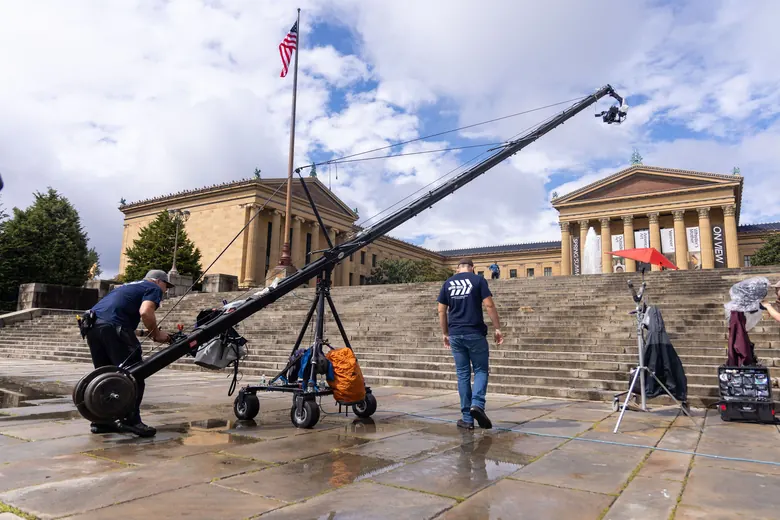
Yes, both ways. We work alongside the A/V company your planner or venue already hired, plugging into their sound board and sending our camera feeds and your slides to their screens, and if their audio engineer is mixing the room we take a feed from them instead of bringing our own. Event producers bring us in as their broadcast crew too. What we don’t bring is the big room gear, so projectors, LED walls, PA speakers, stage lighting and cranes stay with them.
Show the world.
Send the date and the venue, and we’ll set up a short planning call and get you a written quote the same day.
The Live Stream Planning Guide hits your inbox right away: fifteen quick questions about the room, the audio, who’s watching and the one moment we can’t miss. Fill in what you know, skip the rest, and we’ll follow up within one business day, usually a lot sooner. We use your details to plan your event and that’s it, so you won’t end up on a mailing list.
If you’d rather talk it through, call 484-860-0276.